
PDF TOOLS CATALOG
Find tools for every document.
Use 15 PDF tools that are readily available for free. Catalog loading 81 type of work; More tools will be added once they are ready to use.
CHOOSE THE TOOL YOU NEED
PDF tools for every task.
Use ready-to-use tools straight away, or explore our feature roadmap.
15 active tools
free to use
free to use
Showing 15 active tools
Organize PDFsMerge PDFCombine multiple PDFs into one document online and quickly.Ready to useOrganize PDFsSplit PDFDivide documents by page ranges or groups of page numbers.Ready to use
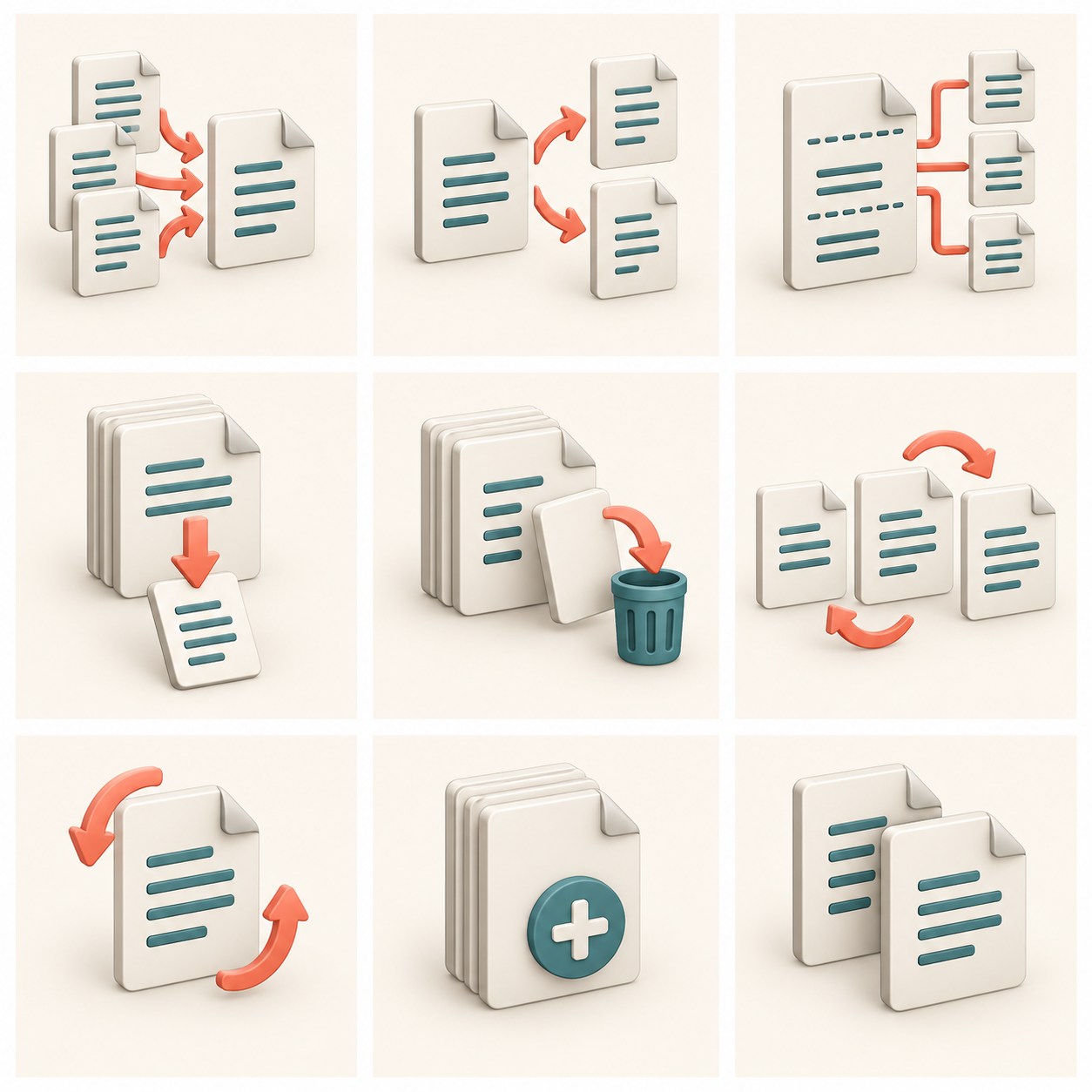
Organize PDFsSplit every N pagesCreate a PDF section with a preferred number of pages.Coming soon
Organize PDFsExtract PDF pagesRetrieve specific pages without changing the original file.Ready to useOrganize PDFsDelete PDF PagesDiscard any blank sheets left over from scans or double pages from the PDF.Ready to useOrganize PDFsReorder PDFOrganize and tidy up the page order of PDF documents easily.Ready to useOrganize PDFsRotate PDFRotate the orientation of a PDF sheet upside down or on its side permanently.Ready to useOrganize PDFsAdd Blank PageInsert a new page at the beginning, end, or specific position in the document.Ready to useOrganize PDFsPage DuplicationCopy and expand selected pages within a PDF document.Ready to useOptimize PDFCompress PDFTry reducing the PDF size locally; check the impact of rasterization before using the results.Ready to use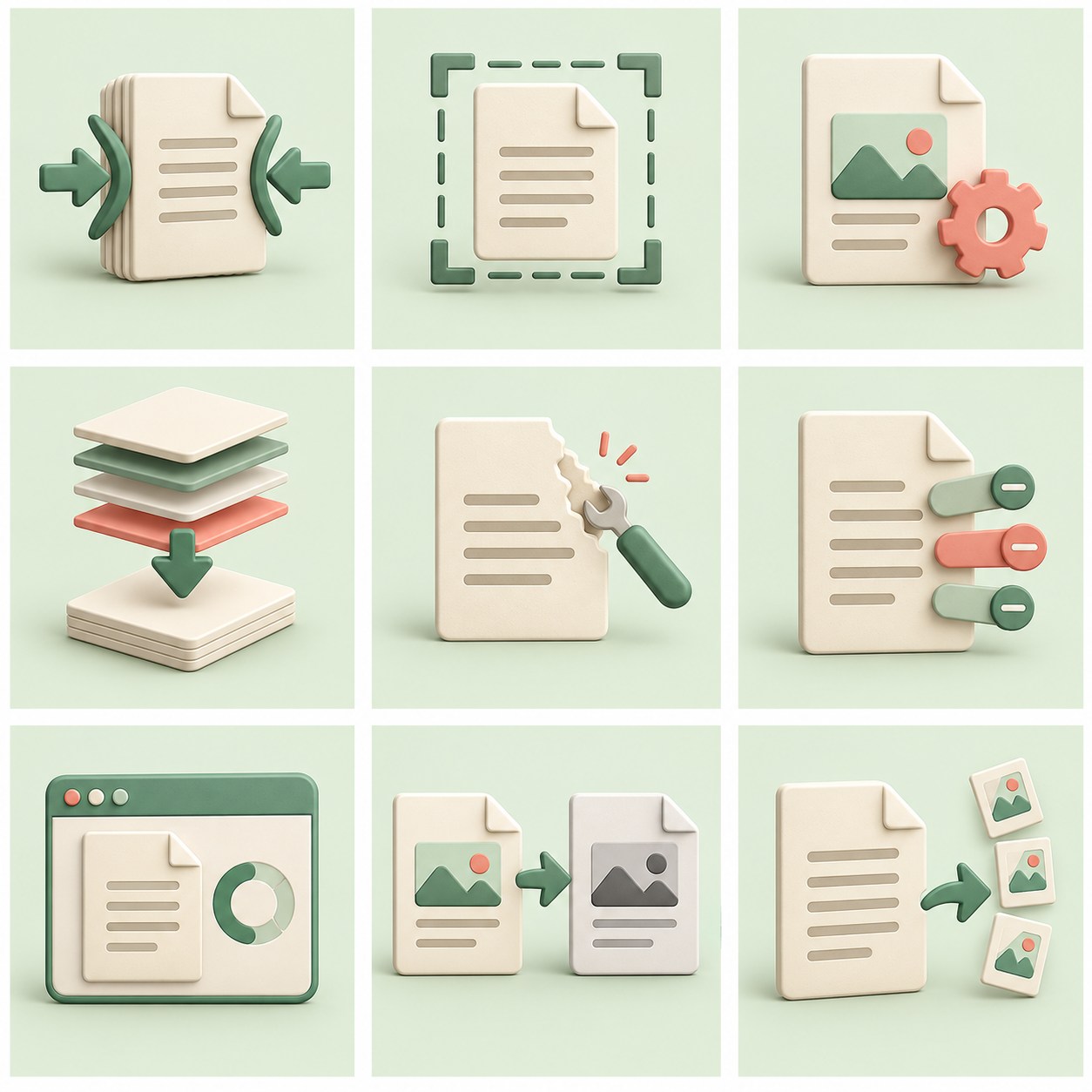
Optimize PDFShrink to target sizeAdjust file size for specific upload limits.Coming soon
Optimize PDFOptimize imagesReduce the size of images embedded in PDF.Coming soon
Optimize PDFFlatten PDF formsCombine form fields and signatures into a static page view.Ready to useOptimize PDFRepair PDFTry restoring the problematic document structure.Coming soon
Optimize PDFRemove PDF MetadataClean the author's name, software, and hidden history information of the document.Ready to useOptimize PDFOptimize for webPrepare the PDF structure for incremental loading.Coming soon
Optimize PDFChange it to grayCreate a monochrome version of the document.Coming soon
Optimize PDFDelete embedded thumbnailsClean thumbnails saved in PDF.Coming soon
Convert to PDFJPG to PDFConvert one or more JPG/PNG image photos into a neat PDF document.Ready to use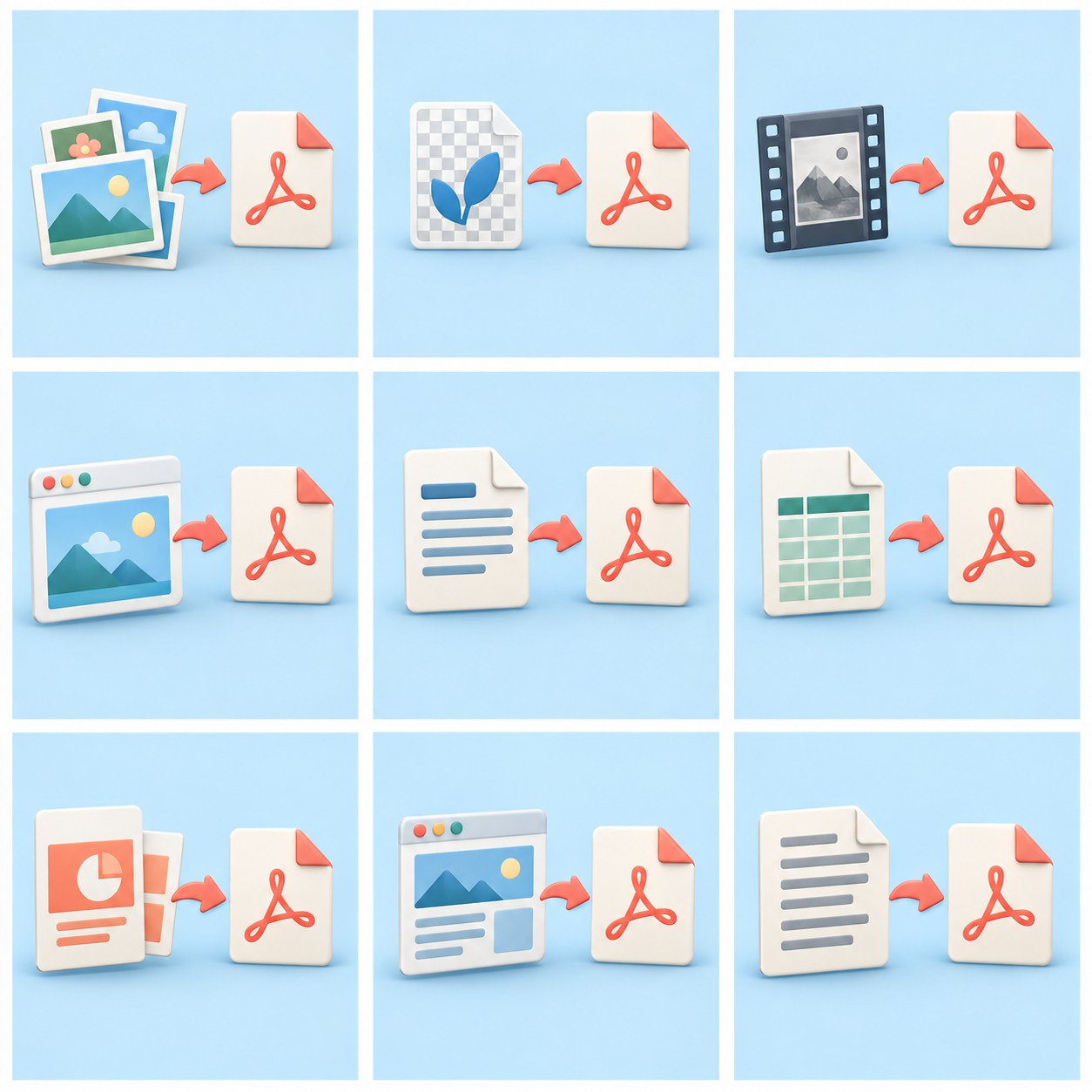
Convert to PDFPNG to PDFCreate PDF from PNG images.Coming soon
Convert to PDFTIFF to PDFConvert TIFF scans to PDF.Coming soon
Convert to PDFWebP to PDFCreate PDF from WebP images.Coming soon
Convert to PDFWord to PDFConvert Word documents to PDF.Coming soon
Convert to PDFExcel to PDFSave worksheets as PDF.Coming soon
Convert to PDFPowerPoint to PDFConvert presentations to PDF.Coming soon
Convert to PDFWeb page to PDFSave web page content as a document.Coming soon
Convert to PDFText to PDFOrganize simple text into PDF documents.Coming soon
From PDFPDF to WordConvert PDFs into editable documents.Coming soon
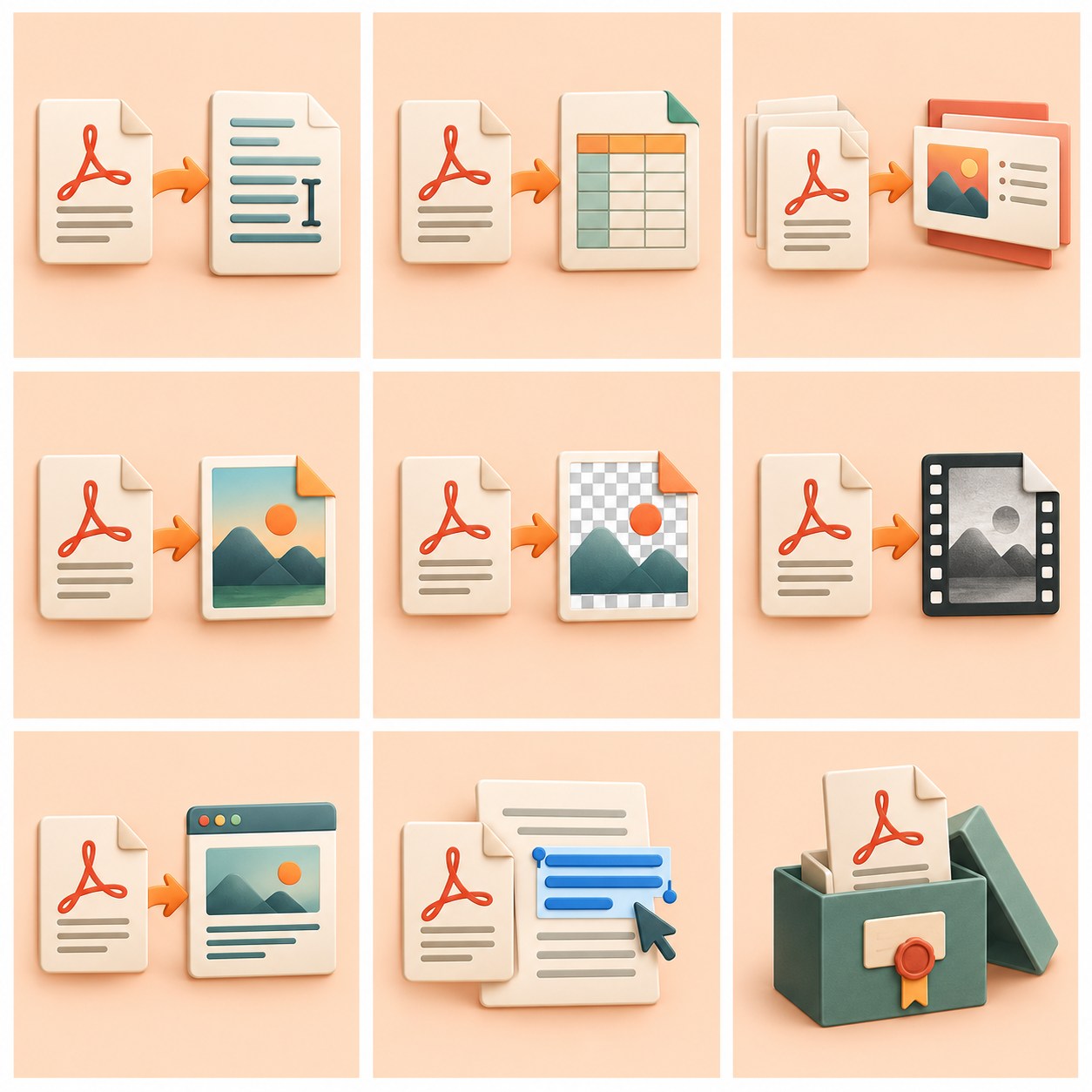
From PDFPDF to ExcelExport tables from PDF to worksheets.Coming soon
From PDFPDF to PowerPointConvert PDF pages to slides.Coming soon
From PDFPDF to JPGSave and convert any PDF page into an HD JPG photo image.Ready to useFrom PDFPDF to PNGExport pages as PNG images.Coming soon
From PDFPDF to TIFFSave PDF pages in TIFF format.Coming soon
From PDFPDF to HTMLConvert PDF content to web pages.Coming soon
From PDFPDF to textRetrieve text stored in a document.Coming soon
From PDFPDF to PDF/APrepare the format for long-term storage.Coming soon
Edit & annotateAdd textPlace the new text on top of the PDF page.Coming soon
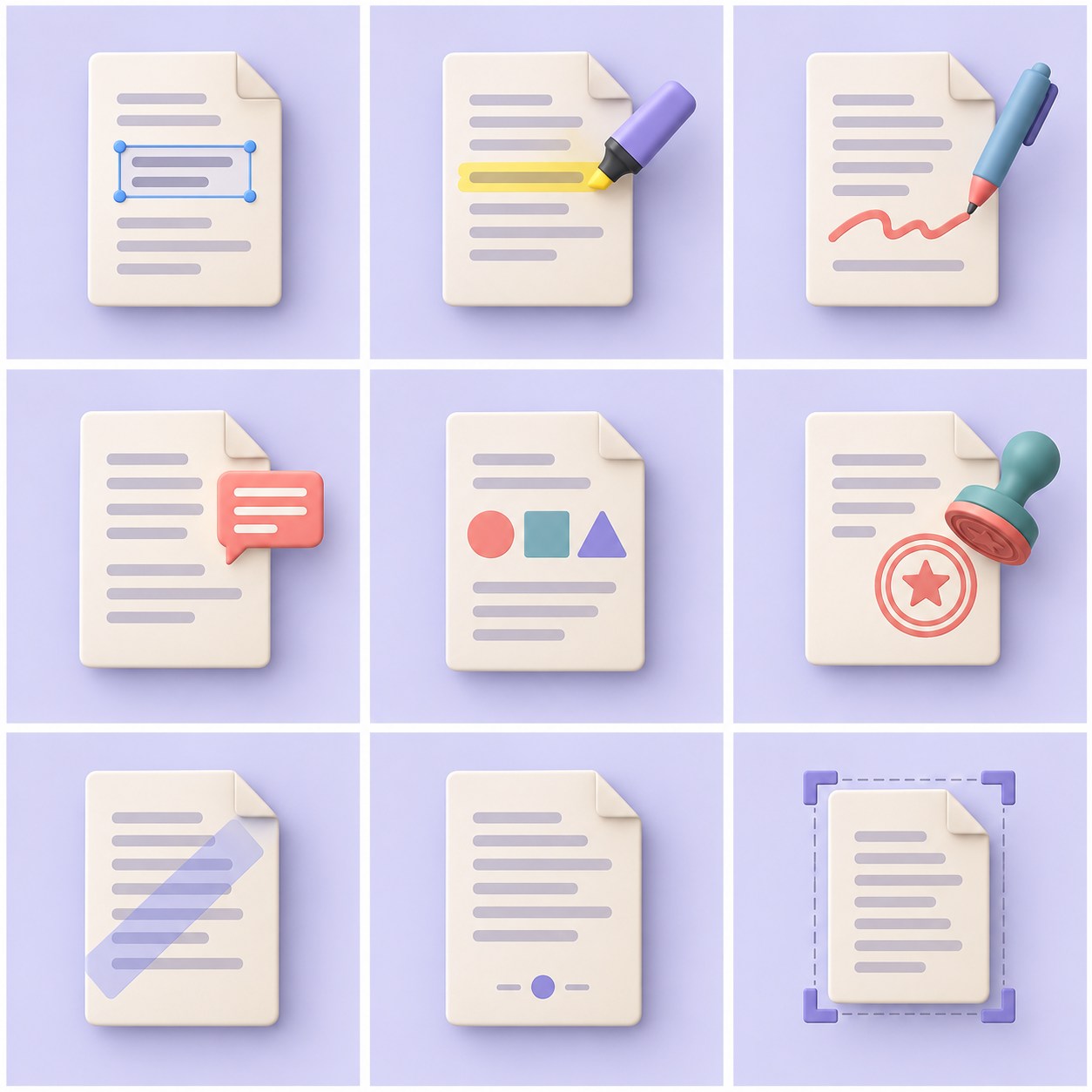
Edit & annotateHighlight textHighlight important sections in the document.Coming soon
Edit & annotateImage in PDFCreate doodles and marks directly on the page.Coming soon
Edit & annotatePDF CommentsAdd notes for document readers.Coming soon
Edit & annotateForm on PDFAdd lines, boxes, and visual markers.Coming soon
Edit & annotateImage and stampPlace an image or stamp on the page.Coming soon
Edit & annotateWatermark PDFWatermark text on PDF documents to secure scanned identities.Ready to useEdit & annotatePDF Page NumbersAdd automatic page numbering to thesis documents or reports.Ready to useEdit & annotateCut pagesSet the area of the page you want to display.Coming soon
Security & signatureProtect PDFAdd a password to open the file.Coming soon

Security & signatureUnlock PDFUse the password you have to open the file.Coming soon
Security & signaturePDF RedactionPermanently delete sensitive content.Coming soon
Security & signatureVisual signaturePlace an image or text signature.Coming soon
Security & signatureDigital signature verificationCheck digital signatures on documents.Coming soon
Security & signatureSet PDF permissionsManage print and copy limits on files.Coming soon
Security & signatureRemove hidden infoClear embedded additional information.Coming soon
Security & signatureFill out the PDF formFill in the form fields directly in the document.Coming soon
Security & signatureFlatten the formMake form fills part of the page display.Coming soon
Scan & OCROCR PDFMake scanned text searchable.Coming soon
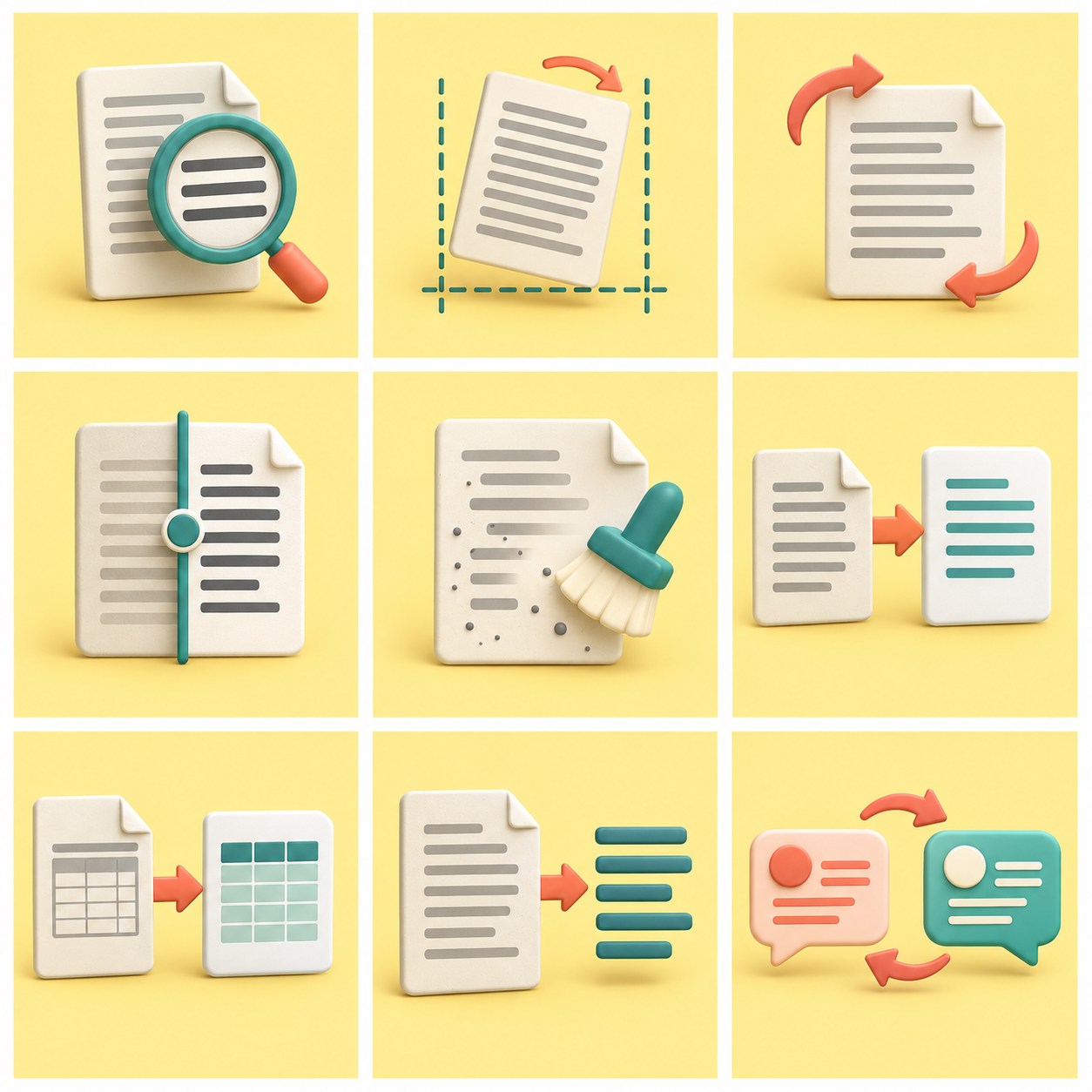
Scan & OCRAlign the scanTidy up slanted scanned pages.Coming soon
Scan & OCRAutoplayDetect and correct page orientation.Coming soon
Scan & OCRIncrease contrastMake scanned text easier to read.Coming soon
Scan & OCRClear backgroundReduce shadows and grain in scanned results.Coming soon
Scan & OCROCR to WordConvert scanned text to a Word document.Coming soon
Scan & OCROCR tables to ExcelRetrieve the table from the scanned page.Coming soon
Scan & OCROCR to textExport words from scanned pages.Coming soon
Scan & OCRSelect OCR languageSpecify the language for text recognition.Coming soon
Extract & understandExtract textCopy selectable text from PDF.Coming soon

Extract & understandExtract imagesSave embedded images in documents.Coming soon
Extract & understandExtract linksSee the web address linked on the page.Coming soon
Extract & understandExtract attachmentsSave embedded attachments in PDF.Coming soon
Extract & understandExport tableArrange PDF tables into worksheets.Coming soon
Extract & understandCompare PDFsSee the differences between the two versions of the document.Coming soon
Extract & understandCompact PDFCreate an overview of a long document.Coming soon
Extract & understandTranslate PDFChange the document content language.Coming soon
Extract & understandAsk the documentAsk questions about the contents of the PDF.Coming soon
Batch & shareMultiple files to PDFConvert multiple files to PDF at once.Coming soon
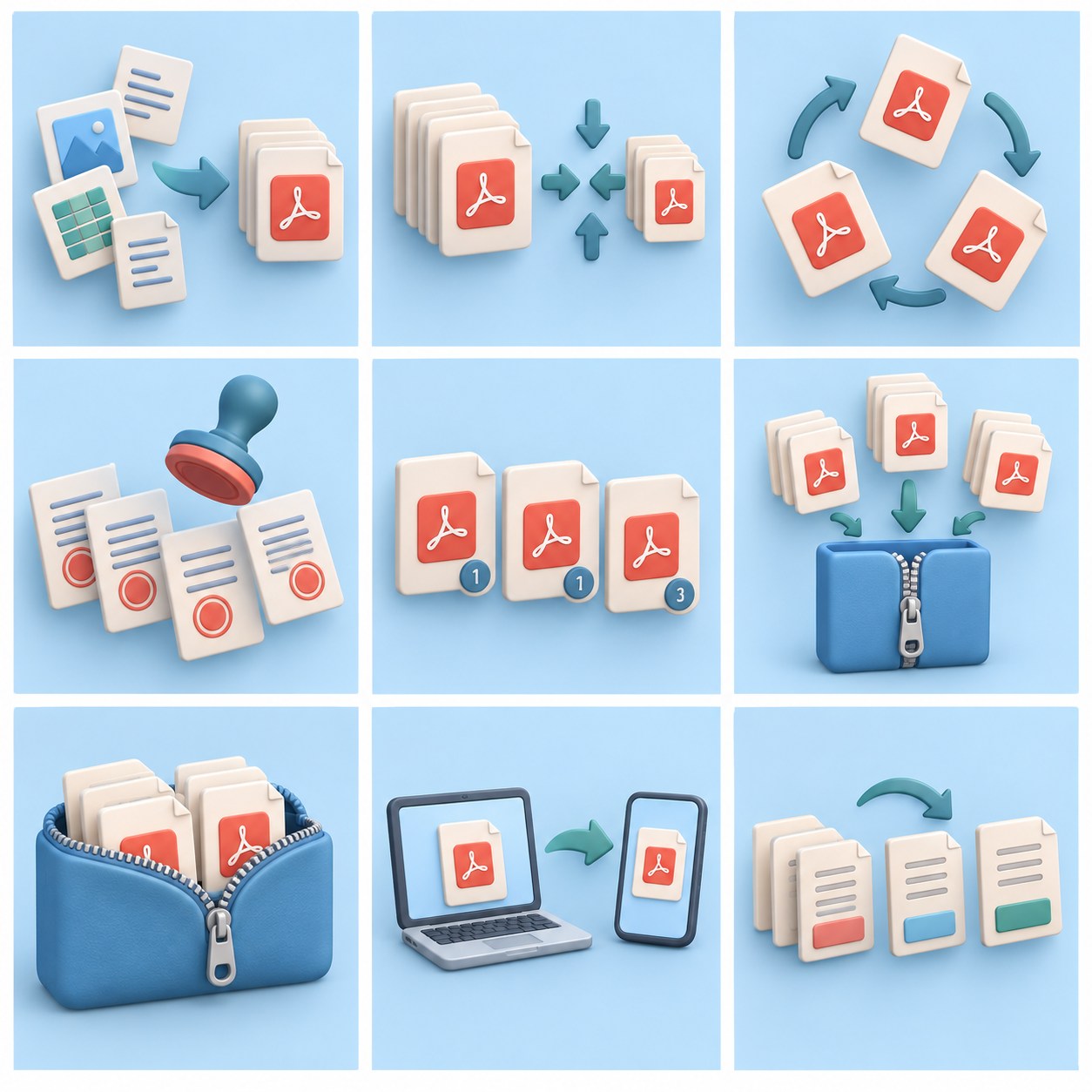
Batch & shareCompress multiple PDFsOptimize multiple PDFs in one session.Coming soon
Batch & shareRotate multiple PDFsChange the orientation of multiple PDFs at once.Coming soon
Batch & shareWatermark multiple PDFsMark multiple documents with the same pattern.Coming soon
Batch & shareBatch page numberAdd numbers to multiple documents.Coming soon
Batch & shareSplit and download the ZIPSplit the pages and save the results together.Coming soon
Batch & sharePackage PDF to ZIPPack multiple PDFs into one ZIP.Coming soon
Batch & shareSend PDF linkShare documents via temporary links.Coming soon
Batch & shareRename the batchGive some results neat names.Coming soon
?
Tool not found
Try another keyword or switch to the “All Plans” tab to see upcoming features.