LEMBAR PDF · FREE IN YOUR BROWSER
Organize your PDFs.
Done.
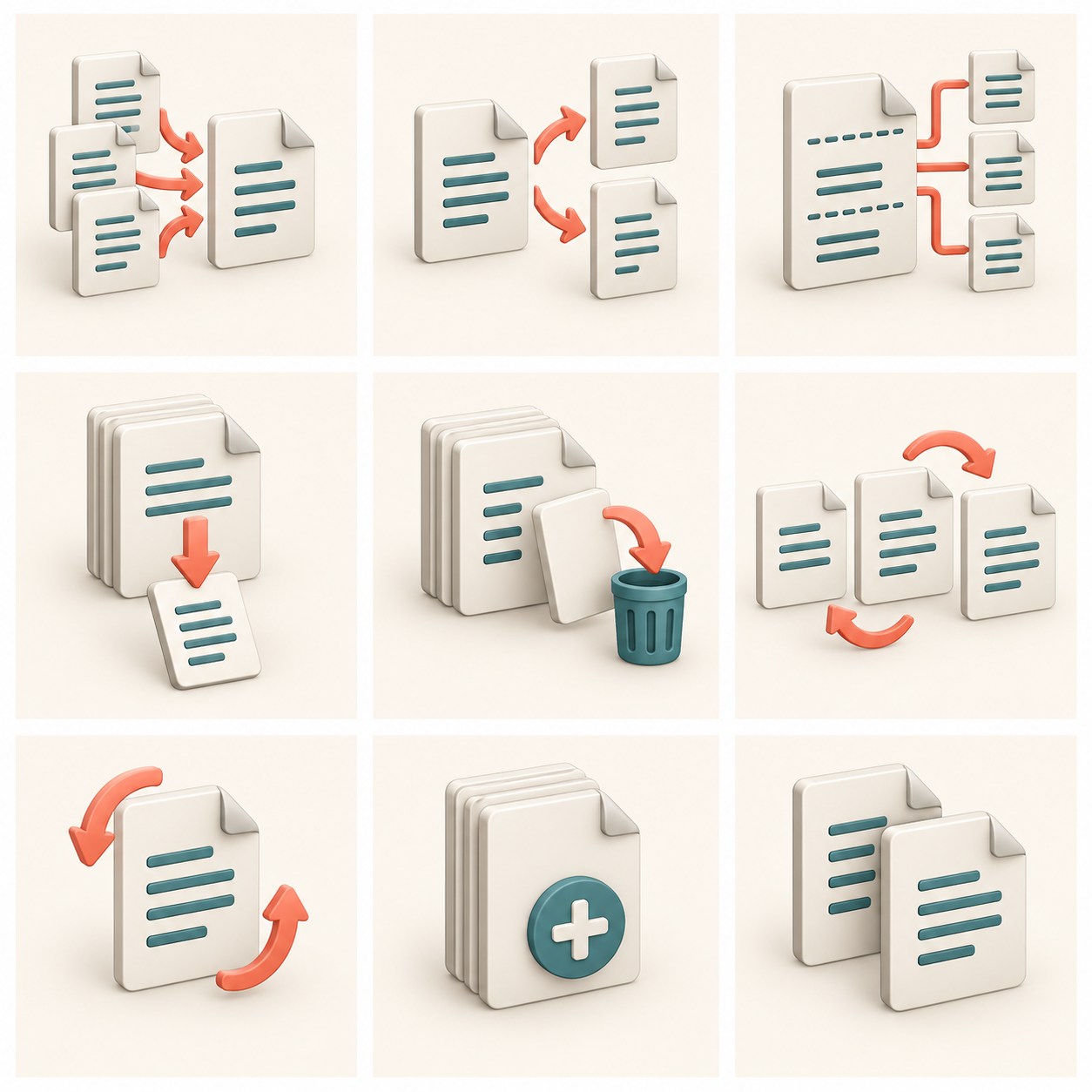
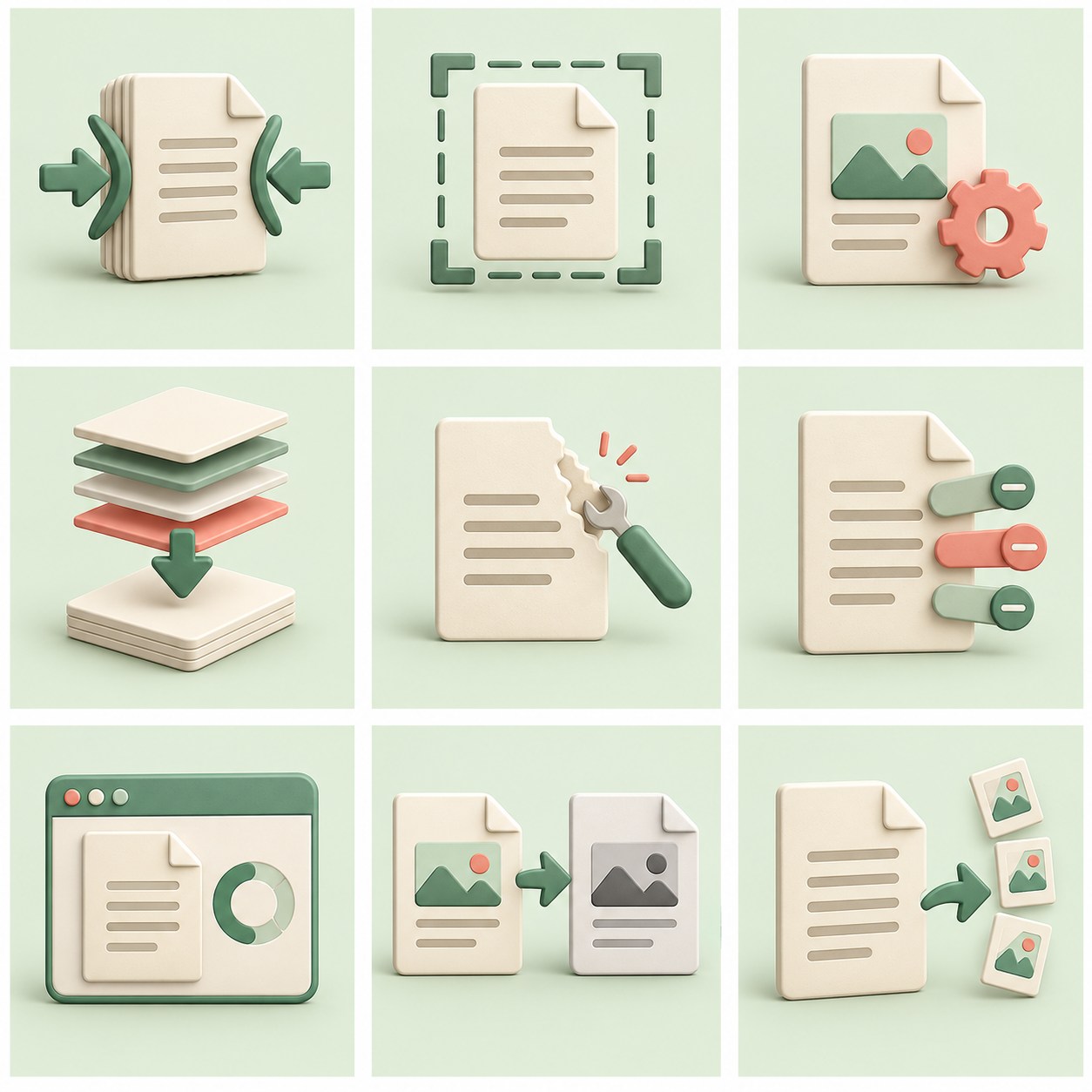
Merge, compress, split, format and trim PDF documents directly in the browser without an app.
CHOOSE THE TOOL YOU NEED
PDF tools for every task.
Use ready-to-use tools straight away, or explore our feature roadmap.
free to use
Showing 15 active tools
Tool not found
Try another keyword or switch to the “All Plans” tab to see upcoming features.
Frequently asked questions about PDF tools
Are the PDF tools in Lembar PDF free?
Yes. The currently available tools can be used for free and without creating an account. Select the tools you need from the catalog, then follow the limits and instructions on the page.
Are my PDF files uploaded to the server?
The available tools process documents in the browser on your device; the contents of the file are not sent to the server for processing. The site still contains code and web assets, and the hosting provider may receive technical data about the visit. Read the privacy explanation for details.
What are the file size and number limits?
The file selector supports up to 10 files, a maximum of 25 MB per file and 100 MB in total. Page limits, number of files, or formats may vary by tool. Follow the limits displayed on the tool you are using.
Does compression always make a PDF smaller?
Not always. Results depend on PDF content and compression settings. Check the size and readability of the results before using them. The available visual compression can turn a page into an image so that text may no longer be selectable or searchable.
Can I use PDF tools on mobile?
Yes, as long as the browser and device have enough memory to process the file. Large or multi-page documents can be slower on mobile; if processing fails, try a smaller file or use a computer.